Sophea Nous Platform - Admin Guide
Welcome
This guide explains how workspace admins and IT staff operate Sophea Nous as it behaves today. It focuses on connecting sources, Knowledge Search, project knowledge, and chat-side verification.
0.1 Who This Guide Is For
- Workspace administrators responsible for content onboarding and search validation
- IT staff operating Sophea Nous for internal company use
- Platform owners maintaining search quality, AI configuration, and connector health
0.2 How Nous Works Today
The most important workflow concepts for admins:
- Connectors index content into the workspace search index.
- Searchable connector content is available directly through Knowledge Search when the current user has access; Projects answer from their own files.
- Projects group chats with shared instructions and files, giving teams a persistent context space separate from one-off sessions.
Admins may also enable published Sophea agents for a workspace from the Portal. Those published agents are separate from the default assistant, which admins configure in Chat Preferences. Members cannot build their own agents.
A connector brings content into Nous. Project knowledge can narrow retrieval to supported sources, but never grants the user access to content.
0.3 Platform Architecture
Sophea Nous is one service in a multi-service platform. The key services relevant to workspace admins are:
- Portal: Organizations, workspace creation, authentication, people and Team access, plans and billing, Digital Employee control, LLM routing, and managed connector credentials.
- Nous: the AI search and chat interface, connector management, document processing, agents, and actions.
- RAG service: the retrieval pipeline that powers search and agent knowledge lookups. Managed by Sophea; no direct admin configuration required.
- Agent Service: hosts published Sophea agents, including Deep Research and Web Search. Enabled per workspace from the Portal.
Language model configuration, including model availability and the prices used to measure AI usage, is managed in the Portal. The Nous admin panel has no dedicated LLM configuration page.
0.4 Navigation Overview
The main rail reflects which products are enabled for the current Workspace. It can show:
- Chats for chat history and new conversations. Pinned chats stay at the top, recent chats are grouped by when they were last active, and View all opens the full chat list with search across your whole history. Press ⌘K (Ctrl+K on Windows and Linux) from anywhere to jump to a chat or project.
- Projects for chats with shared instructions and files.
- Agents for the agent gallery of published agents when the Agents product is enabled.
- Connectors for connectors and search diagnostics.
- API & webhooks for service accounts and related tools.
- Digital Employees for chatting with employees, their task board, schedules, and approvals when that product is enabled.
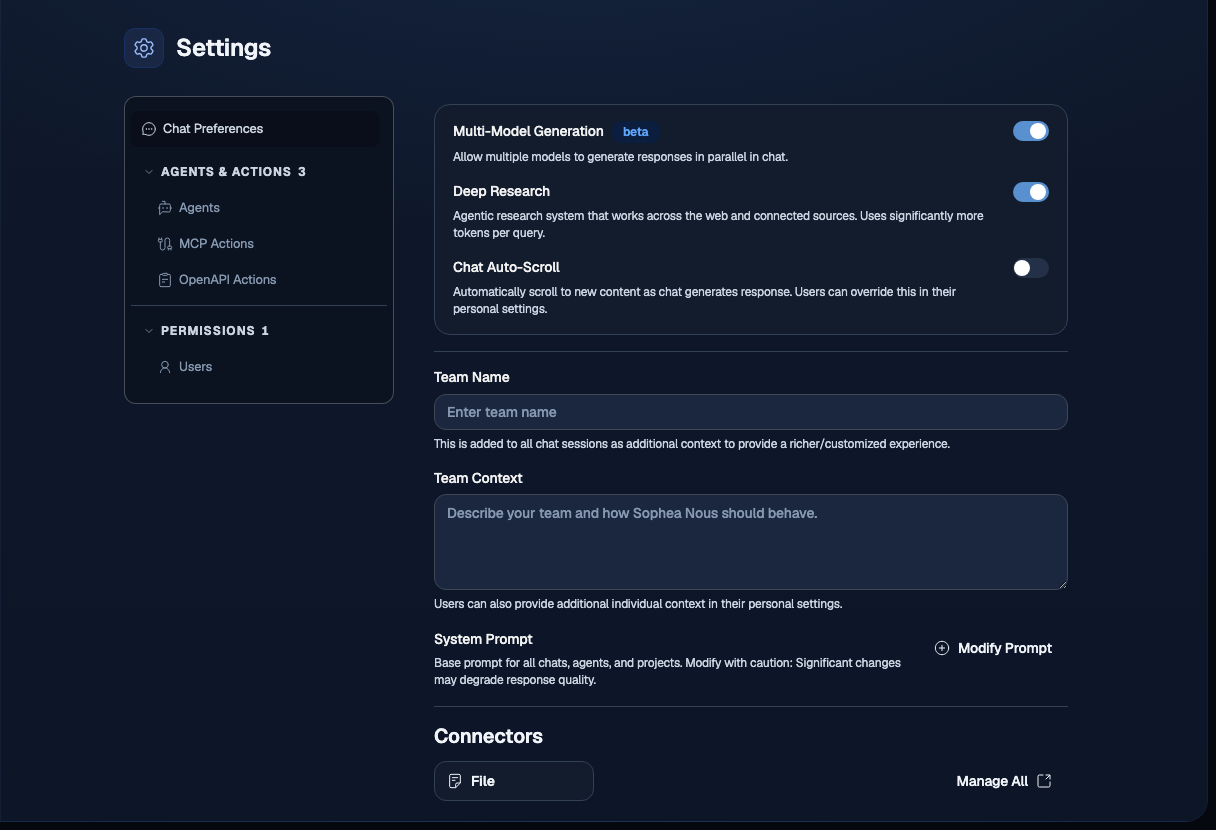
- Settings for workspace administration. Personal settings are available from the avatar menu.
Workspace admins see the sections they are authorized to manage. Product-specific entries appear only when Portal enables that product. For example, an enabled Agents product adds MCP servers and OpenAPI actions to the Personal, Shared and All tabs of the Connectors page. Shared MCP servers and OpenAPI actions can also be managed in Portal, on the workspace’s Connectors page.
Digital Employees are in design and have no release date. Their chapter describes current product behavior and does not announce general availability.
0.5 Recommended Reading Order
0.6 Coming Soon
These features are tracked for a future release and are not part of the current admin workflow:
- Standard Answers: pinned Q&A pairs (UI in development).
- Appearance and Branding: tenant-side theming (currently managed in Portal).
- SCIM: managed via Portal; no tenant-side configuration today.
0.7 Conventions Used
Throughout this guide:
- Bold text indicates UI elements (buttons, menus, fields).
Code formattingindicates API endpoints, environment variables, or terminal commands.- Screenshots show the interface in the language of the guide you are reading. Diagrams are still labelled in English in both languages.